


Or: I Thought I Was Going Crazy, Turns Out the Floor Was Actually Lava
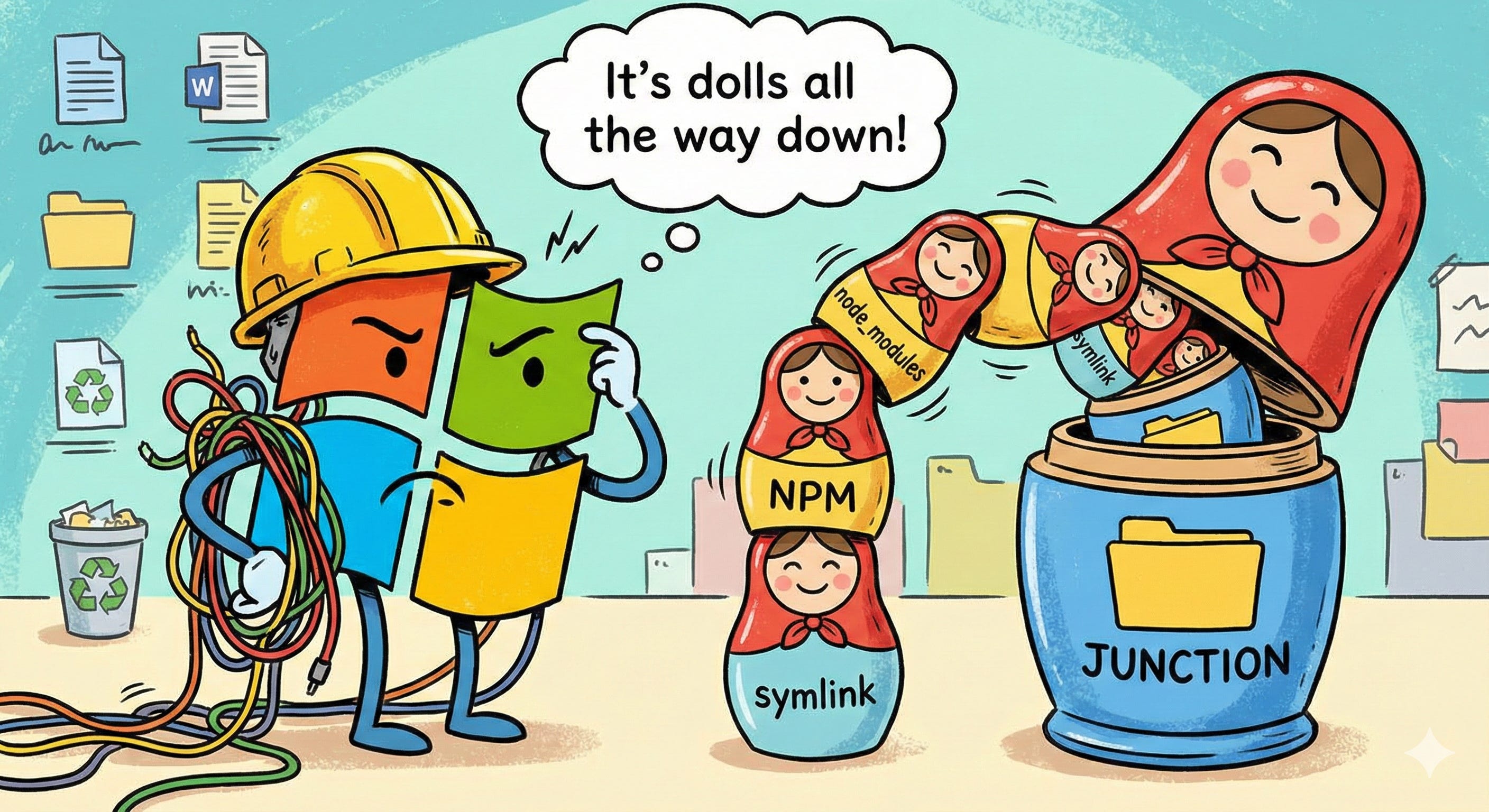
I was building my first front end. I put the project in my Documents folder. My Documents folder synced to OneDrive. What happened next corrupted my filesystem so badly it persisted through Windows reinstalls, defeated sudo rm -rf, and eventually drove me to Linux.
This is the article I wish someone had written before I lost those hours. And my files. And my faith in NTFS.
The 260-Character Apocalypse
Windows has a MAX_PATH limit of 260 characters. Has had it since the 90s. Then node_modules starts nesting dependencies inside dependencies inside dependencies, recursively, with total abandon:
C:\Users\YourName\Projects\my-app\node_modules\package-a\node_modules\package-b\node_modules\package-c\node_modules\...
At some point, Windows just says no. Not with a helpful error. With “path too long.” You can’t run the code. You can’t delete the folder. You can’t move it.
Microsoft added a long path opt-in to Windows 10 — a registry edit nobody tells you about when you install Node. You find out when something breaks.
Symlinks, Junctions, and the Silent Fallback
On Unix, a symlink is a symlink. One mechanism. One behavior. Everywhere.
Windows has three: symlinks (require admin or Developer Mode), junctions (directory-only, no admin), and hard links (file-only). Three things that almost — but don’t quite — behave the same way.
npm tries to create symlinks. If it can’t, it silently falls back to junctions. No warning. No log. Just different behavior at runtime that you discover when something breaks and you have no idea why.
“Silently” is doing all the work in that sentence.
npm link is the worst offender. It’s supposed to create a symlink to your local package. On Windows, it creates a junction. Or a symlink. Or it fails. Depending on your permissions, your Node version, and factors that feel genuinely non-deterministic at midnight.
My OneDrive Morris Worm
I didn’t know any of this when I started.
npm created junctions inside node_modules. OneDrive saw new “folders” and tried to sync them. The junctions pointed back into the synced directory. OneDrive synced those. More junctions. More sync. Self-replicating path references consuming resources until the system choked.
But that wasn’t the worst part.
The recursive symlink storm corrupted the NTFS access control lists so badly that they persisted through Windows reinstalls. The new OS couldn’t resolve the permissions because the Security Identifiers from the old install didn’t exist anymore, but the ACL entries still referenced them. Files that belonged to a user that no longer existed, on an OS that had never known them.
I tried WSL. sudo rm -rf. Sometimes it worked. Sometimes even that failed — the NTFS driver in the Linux kernel choked on the same corrupted entries. I wasn’t fighting software anymore. I was fighting the physical data structures on the disk.
The Cycle
Fresh installs helped. Then it would happen again. Because OneDrive was still there.
pnpm was better — its content-addressable store avoided the worst of the nesting — but it was still fighting Windows. store prune, pnpm setup, cache clean. Maintenance on top of maintenance for problems that didn’t exist on Linux.
The cycle broke when I went nuclear: OneDrive sync off, uninstalled with the Linus Tech Tips removal tool because the normal uninstall didn’t stick, account set to local only. No Microsoft sync touching my filesystem whatsoever.
That bought me stability. But by then I’d seen what the floor was made of.
File Locking
On Unix, you can delete a file while it’s open. On Windows, if any process has a handle on a file, you cannot delete it.
Now imagine: a dev server watching node_modules, your editor indexing it, npm modifying it, and Windows Defender scanning it. All simultaneously. All holding handles.
Random EPERM and EBUSY errors. npm install fails halfway. You now have a corrupted node_modules you can’t delete because something still has a grip on something inside it. Close everything, open cmd as admin, rmdir /s /q node_modules, pray.
And if you have Fast Boot enabled — on by default — it’s worse than you think. Fast Boot doesn’t shut down your computer. It saves a hibernation image and restores it on “startup.” Corrupted handles, stale locks, dirty NTFS journals — quietly preserved across what you thought was a clean restart.
It’s not a boot. It’s an OS cache you can’t control. Turn it off.
What Can Save You
If you’re still on Windows:
pnpm over npm. Content-addressable store, flat node_modules. Not painless on Windows, but meaningfully better.
OneDrive off. Local account. No cloud sync touching your dev directories. The LTT removal tool if the uninstall doesn’t stick.
Fast Start-up off. You need actual restarts.
fnm or nvm-windows for Node version management. Keep your runtimes isolated.
Long paths enabled: HKLM\SYSTEM\CurrentControlSet\Control\FileSystem → LongPathsEnabled = 1.
Developer Mode on. Symlink creation without admin. Should be default. Isn’t.
Or just run your toolchain in WSL. Because that’s somehow the sane option now. But if you do — keep your projects in the Linux home directory, not /mnt/c/. If your code lives on the Windows side, you’re still crossing the OS boundary, still using the NTFS driver, still subject to the same I/O bottlenecks and file-locking nightmares. WSL with Windows-side files is slower than native Windows. Don’t escape the building and then stand outside looking in through the window.
Why Nobody Warned You
Most Node tutorials are written on Mac. Most core contributors develop on Mac or Linux. The Windows experience is largely untested by the people writing the tools.
The official npm docs mention symlinks. They don’t mention junctions. They don’t mention the silent fallback. They don’t mention what happens when that fallback meets cloud sync.
Stack Overflow ranges from “works on my machine” — posted from a Mac — to “just use WSL,” which is less a solution and more a concession.
The people who figured it out moved on. The people who didn’t assumed they were the problem.
You’re not the problem.
The Bigger Lesson
If you don’t choose your toolchain deliberately, the defaults will choose chaos for you.
This doubles if you’re building with AI. Claude, ChatGPT, Copilot — none of them know about any of this. They learned from Unix-first documentation. Your Windows machine is on its own, and the AI is confidently generating commands for a filesystem it’s never met.
Schema-first development applies to your dev environment, not just your code.
I started this journey in my Documents folder and ended it installing Debian. At some point you stop fixing the floor and move to a building that isn’t on fire.
Two months of distro hopping later, I landed on CachyOS and wished I had sooner — but I wouldn’t have appreciated it without the struggle. You don’t understand what a clean filesystem feels like until you’ve spent months in one that’s lying to you.
Know your floor. Map the lava. And for the love of God, don’t put your `node_modules` in a OneDrive folder.
*Nelson Spence is a person in long-term recovery from Windows. He hosts support meetings Thursdays from 1–4pm.* [Book your session](https://calendly.com/nelsondspence/30min)